
Executive summary
Search “how to choose a WooCommerce B2B chatbot” and you’ll find two kinds of guides. One kind ranks tools on setup time, native data access, and whether the vendor’s own pricing is transparent. The other kind is a B2B AI evaluation checklist built around ERP integration depth, the kind of framework a Magento or NetSuite shop would use. Neither was written for a WooCommerce store running a B2B pricing plugin, so neither asks the questions that actually separate a B2B-aware tool from a relabeled generic one.
Those questions sit in the gap between the two guides: whether a vendor’s demo touches your actual pricing plugin, whether it handles your messiest variable product, what happens to the bill during a volume spike, what the bot does when it doesn’t know an answer, and what happens if you switch plugins later. This isn’t a ranking, and it isn’t a pitch for a B2B AI sales assistant over any other category of tool. It’s a filter you can run against any vendor you’re evaluating, including ChatSKU.
Bring these six questions into your next demo call and you’ll learn more in twenty minutes than a twenty-page feature comparison told you all week.
Introduction
You’ve got three tabs open. One is a “best WooCommerce chatbot” listicle, ranking tools on setup time and native plugin support. Another is a B2B AI assistant evaluation checklist, full of scoring criteria for integration depth. The third is a vendor’s pricing page, open because you got tired of reading about features and wanted a number.
None of the three agree on what matters. The listicle never mentions your B2BKing rules or your Wholesale Suite customer groups. The evaluation checklist assumes you’re running an ERP alongside your storefront, when your actual stack is WooCommerce plus a pricing plugin and not much else. The pricing page just tells you what you’ll pay, not what you’re buying.
That’s the real problem with researching a woocommerce b2b chatbot right now. The WooCommerce-specific advice is B2B-blind. The B2B-specific advice is platform-blind. You’re left running your own evaluation with none of the three tabs built for your stack.
Does the vendor's demo ever touch your actual pricing plugin?
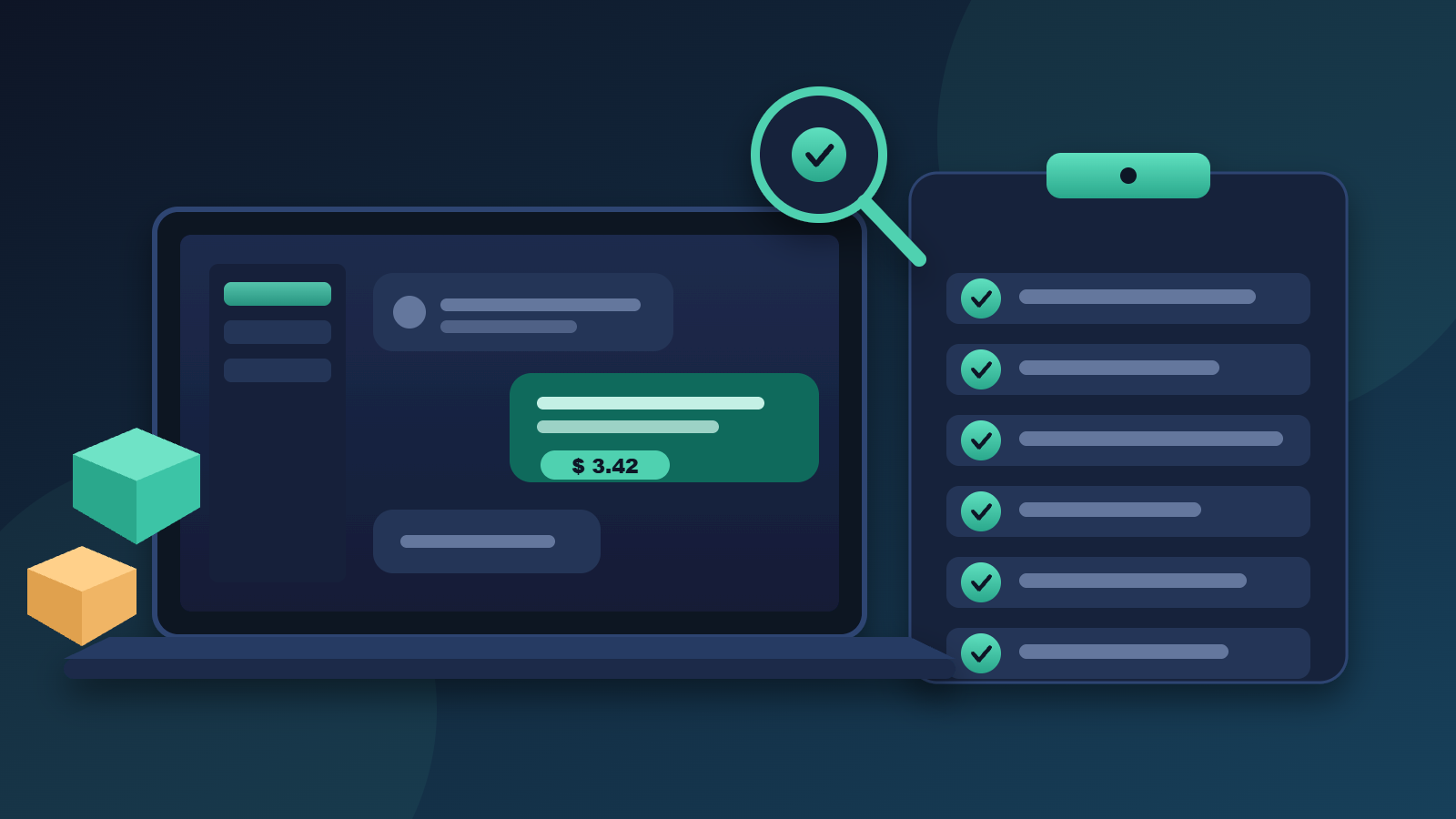
Usually not, and that’s the first thing worth testing when you’re comparing a woocommerce b2b chatbot. Generic “best WooCommerce chatbot” checklists score a tool on native WooCommerce data access, setup time, and whether the vendor’s own pricing is clear. None of that confirms whether the bot reads B2BKing, Wholesale Suite, WholesaleX, or Addify, because none of those checklists mention a B2B pricing plugin at all.
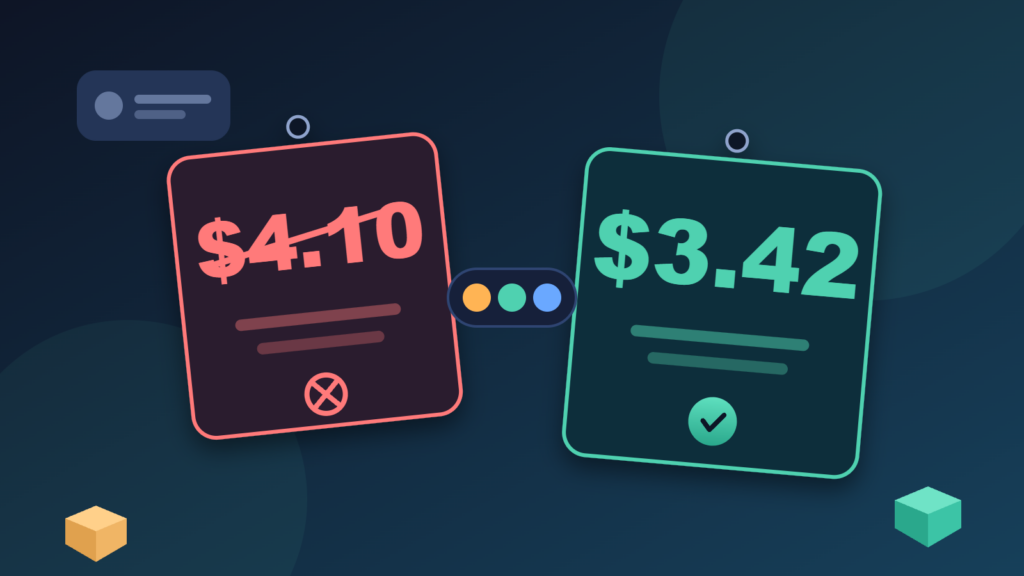
That gap matters more than any feature list. A chatbot that reads your public catalog but not your pricing plugin will happily quote a logged-out visitor’s list price to your biggest wholesale account. It looks like it works in a demo built around the vendor’s own test store. That tells you nothing about yours, especially if you’re running the kind of catalog a manufacturer, distributor, or wholesaler typically manages.
The actual test: ask the vendor to run the demo on your store, logged in as a real wholesale account, with your pricing plugin active. Not their sandbox. Yours. If the vendor demos with list prices only, or doesn’t recognize your plugin’s name when you say it, that’s your answer before you’ve asked a second question.
Is the B2B evaluation checklist you found actually built for WooCommerce?
Probably not. Most of the B2B evaluation frameworks circulating online were written with an ERP in the loop, something with years of integration history and a dedicated IT budget behind it. The questions they tell you to ask are about integration depth with systems a WooCommerce store usually doesn’t run at all.
That mismatch doesn’t just waste your time, it points you at the wrong follow-up question. “Which ERP do you integrate with” isn’t useful if you don’t have one. The question that actually tells you something is: which of my store’s plugins do you read, and how do you read it. A vendor who answers in generic terms, “we connect to WooCommerce,” without naming your specific pricing plugin, hasn’t actually been tested against your stack.
You don’t need the engineering answer to that question in a demo call, just confirmation it’s been tested against something real. The full technical breakdown of how a woocommerce b2b chatbot reads plugin-layer pricing data lives in a separate integration guide, written for the reader who’s already picked a vendor and wants the architecture. This one is for the reader who hasn’t picked yet.
Does "handles variations" mean your variations, or their demo product?
Ask which one before you believe the claim. WooCommerce gives you simple, variable, and grouped products, and a B2B store stacks customer-group pricing on top of all three. A checklist that just confirms a tool “reads variations” is checking the easy case, a single clean variable product with one price. It’s not checking what your store actually runs.
The gap shows up fast once you load something real. Pick your messiest variable product, the one with a dozen size and material options and a tiered price that changes by customer group, and watch what the bot quotes a buyer logged into that specific group. A tool that passed every item on someone’s “handles variations” checklist can still hand that buyer the public list price, because the checklist never tested the combination of variation and tier together.
Run this one live, in the demo, with your own product, not theirs. It takes five minutes and it tells you more than the whole checklist did.
What happens to the bill in your highest-volume month?
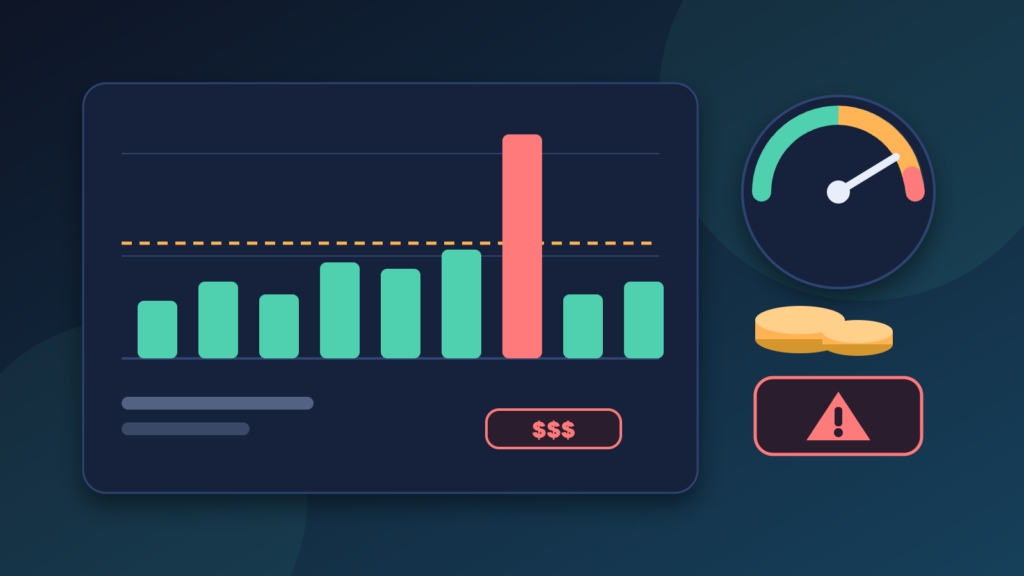
Ask before you sign, not after the invoice. A flat monthly rate sounds simple until you find the fine print on message or conversation caps. If a vendor charges per conversation past a threshold, a bill that looked reasonable in a quiet month can swing hard the month your catalog gets a seasonal spike in traffic.
None of the evaluation guides built for this category raise that question upfront, and plugin pricing pages aren’t much help either. Plugin and chatbot pricing both change often enough, and vary enough by plan and add-on, that quoting a specific number here would be stale the day it published. Check current pricing directly with whichever vendor you’re evaluating, and ask the question that actually protects you: what’s the overage model, and what would last month’s real traffic have cost under it.
Push for the worst-case number, not the advertised floor. If you want to model what a volume spike would cost under a few different pricing structures before you’re on a call with a salesperson, running the numbers yourself first gives you a baseline to compare any vendor’s answer against.
What does the bot do when it doesn't know the answer?
Ask this one directly, and listen for a specific answer. The riskiest unknown in any WooCommerce-scale catalog isn’t what the bot gets right. It’s what it does when it’s uncertain about a price, a spec, or whether an item’s in stock. Does it guess, does it escalate to a person, or does it say so and stop.
This is a real test you can run in the demo itself, not a hypothetical. Ask a question the bot genuinely shouldn’t be able to answer confidently, something outside the catalog data you’ve loaded, and watch what happens. A vendor who can describe their escalation behavior in one concrete sentence has clearly thought about it. A vendor who talks around the question, or claims the bot “always gets it right,” hasn’t, and that’s the one most likely to hand a buyer a confident wrong answer.
Guessing on a spec question costs you a returned order. Guessing on a price costs you a buyer’s trust the first time the invoice doesn’t match what the bot quoted.
If you switch pricing plugins next year, does the chatbot still work?
Ask where the setup actually lives before you commit to it. Some integrations connect at the catalog-data layer, reading whatever pricing plugin is active. Others get hard-wired to one plugin’s specific structure. You won’t feel the difference on day one. You’ll feel it the day you migrate from, say, Wholesale Suite to B2BKing and discover the chatbot’s pricing logic broke along with it.
The actual question to ask: what does data export and plugin migration look like, and does switching plugins require a new deployment or just a config change. A vendor who can answer that specifically, rather than assuring you it’ll “just work,” is telling you something real about how their product is built.
ChatSKU connects to the core WooCommerce API plus whichever plugin layer is active, rather than hard-wiring to one plugin specifically. Deployment itself is a single script tag, live on your store in under a day, with no rebuild required, so testing this question against your own setup costs you an afternoon, not a sales cycle. The full detail on how that works is in the integration guide referenced earlier in this piece. For now, the question matters more than any one vendor’s answer to it.
People also ask
Do I need a different chatbot for WooCommerce than for Shopify or Magento?
Not a different one by definition, but a different evaluation. The platform matters less than what’s layered on top of it. A WooCommerce store running a B2B pricing plugin needs a chatbot tested against that plugin specifically, the same way a Shopify Plus store would need one tested against its own wholesale app.
Can one chatbot read more than one B2B pricing plugin at the same time?
Ask the vendor directly, because the honest answer varies by product. Most WooCommerce stores run one pricing plugin at a time, not several, so the more useful question is usually whether the vendor has been tested against the specific plugin you’re running, not how many it claims to support in general.
How is a vendor-agnostic checklist different from a feature checklist?
A feature checklist asks whether a tool can do something in principle. A vendor-agnostic checklist asks you to test it against your actual catalog, your actual pricing plugin, and your actual messiest product, live, in a demo. The first produces a list of checked boxes. The second produces an answer you watched happen.
How long should a real evaluation take before signing a contract?
Plan for one working demo call where you walk through the six questions above against your own store, not the vendor’s. If the answers hold up and you’re ready to move forward, the practical next step is deployment, not more evaluation. The deployment walkthrough covers what that actually looks like once you’ve picked a direction.
Conclusion
Most WooCommerce chatbot guides skip the questions that matter: does it read your pricing plugin, handle your messiest variation, stay predictable in a spike, admit what it does not know, and survive a plugin switch.
Run these six against any vendor, including ChatSKU, in one demo call on your own store.
Frequently asked questions
What's the difference between a generic WooCommerce chatbot and a B2B-aware one?
Does ChatSKU work with B2BKing, Wholesale Suite, WholesaleX, or Addify?
What if my store doesn't use a dedicated B2B pricing plugin yet?
How do I actually test a vendor before committing?
Is there a real cost difference between a generic and a B2B-aware WooCommerce chatbot?
Turn your catalog into a 24/7 sales channel
Stop sending PDFs. Start capturing demand.
Try ChatSKU Free →
About the author
Gigi JK is the founder of ChatSKU and Virtina, bringing more than 28 years of experience across digital transformation, eCommerce strategy, AI-driven growth systems, and business modernization. His work spans startups, scale-ups, and SMBs, with a focus on turning complex operational problems into practical growth frameworks. Before ChatSKU, Gigi built and scaled a seven-figure eCommerce business and led Virtina as an eCommerce engineering and business transformation consultancy. At ChatSKU, he focuses on helping B2B manufacturers, distributors, and wholesalers make complex catalogs searchable, quote-ready, and agent-ready without forcing a full platform rebuild.